
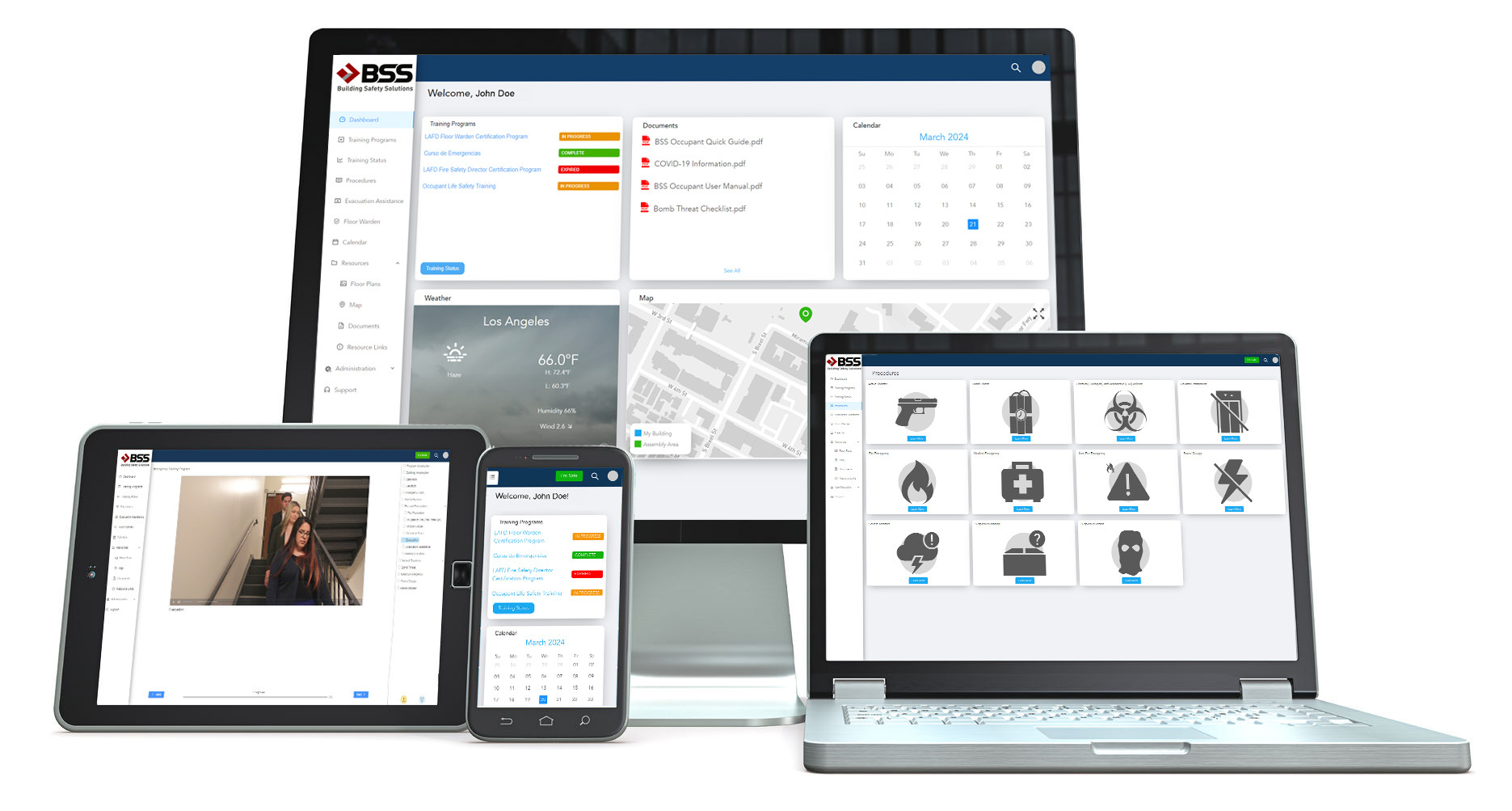
About BSS Guardian™
BSS Guardian™ is web-based emergency preparedness software that prepares building employees to save themselves and others during workplace emergencies — fires, power outages, medical events, active threats, and natural disasters. The platform combines employee training, real-time “I’m Safe” notifications, customizable response procedures, interactive 2D and 3D facility maps, and automated compliance reporting in a single system.
Used by commercial real estate, corporations, data centers, educational institutions, and law firms, BSS Guardian™ has helped organizations protect employees and limit liability for over 20 years.
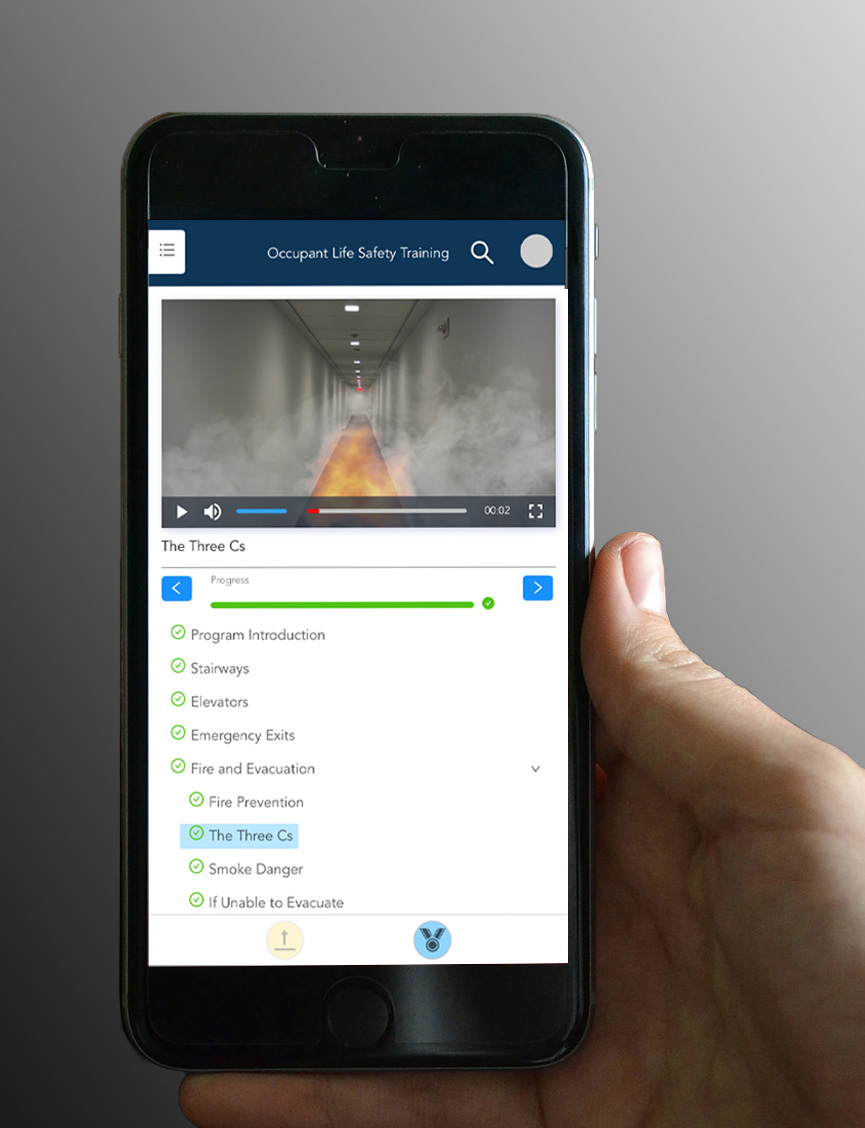
Life-Saving Information at Your Fingertips 24/7
Prepare and protect employees with procedures and interactive maps for fire, power, medical, terrorist, and other emergencies
Policies, photographs, and 2D and 3D graphics and animation can be customized to your location
Critical information can be transmitted worldwide before disaster strikes and also in real-time
Mitigate Your Liability
BSS Guardian™ mitigates liability and eliminates administrative burden
Employee training is conveniently and effectively recorded, summarized, and reported
Click here to read BSS Guardian’s privacy policy.
Click here to read BSS Guardian’s™ Terms & Conditions and mobile terms.
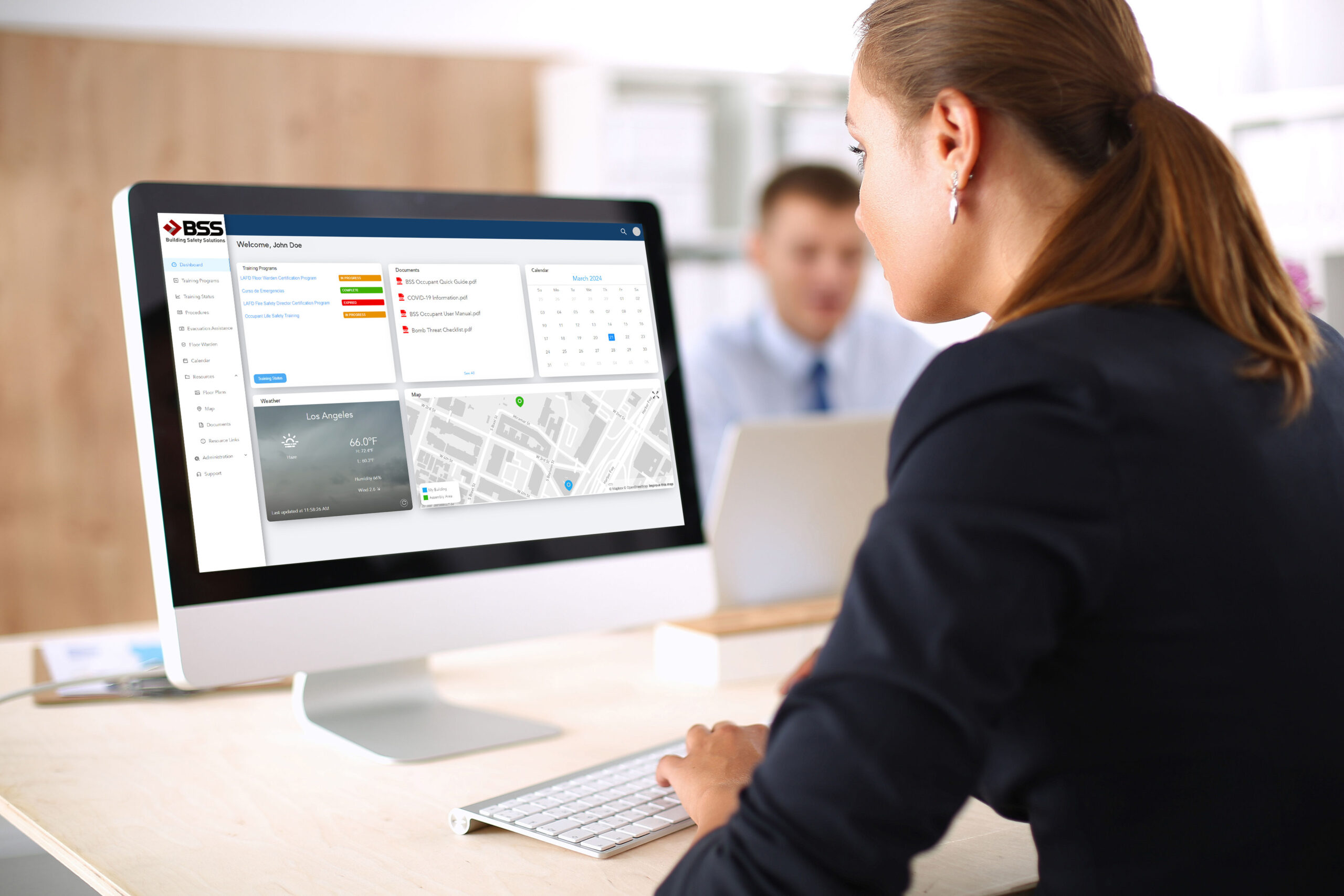
Why Employers Need Purpose-Built Emergency Preparedness Systems
When a workplace emergency unfolds, the first three to five minutes determine the outcome. Employees who have been trained on the specific response for the specific building act decisively. Employees who are improvising — reading signage, looking for someone in charge, trying to remember what they were told two years ago — lose the window. Generic mass-notification systems and one-time orientation videos don’t close that gap.
Purpose-built emergency preparedness software does. It puts the right procedures, the right training, and the right communication tools in front of every employee before an event and during one. It also produces the documentation that lets risk and legal teams demonstrate due diligence after.
What BSS Guardian™ Delivers as Your Emergency Preparedness Software
Every building is different. Floor plans, occupant populations, hazards, regulatory environments, and on-site response roles vary from site to site — and a generic emergency template that ignores those differences fails the moment an incident actually happens. BSS Guardian™ is built around customized response procedures: emergency plans configured for the specific building, the specific risks, and the specific people responsible for acting.
Customized Response Procedures
BSS Guardian™ procedures are configured per location and per emergency type — not pulled from a generic template. Each building gets its own set of response plans, mapped to its actual layout, its actual hazards, and its actual emergency response roster.
Floor wardens see the floors they’re responsible for. Evacuation chair operators see the stairwells they’re assigned to. AED responders see the nearest device locations and the cardiac response protocol. Shelter-in-place captains see the designated rooms, the lockdown sequence, and the all-clear procedure. Every role gets the guidance that role actually needs, on whatever device the person happens to be using when the alert hits.
When a building changes — a new tenant moves in, a stairwell is closed for renovation, an AED is relocated, a floor warden leaves the company — procedures are updated centrally and pushed instantly to every occupant. There’s no version drift, no laminated wall posters that haven’t been refreshed since 2019, no question about which copy of the response plan is the current one.
The same customization extends to emergency type. Fire response, severe weather, medical incidents, active threats, hazardous-material releases, utility failures, bomb threats, and civil unrest each get their own procedure tree — written for the specific building’s risk profile and jurisdictional requirements, not a one-size-fits-all download.
It’s the difference between an emergency plan that exists on paper and an emergency plan that occupants can actually execute when the moments matter most.
How BSS Guardian™ Compares to Generic Emergency Notification Systems
Mass-notification tools are designed to push an alert. Emergency preparedness software is designed to make sure employees know what to do when the alert arrives. The difference matters every time an organization is asked, after the fact, what it did to prepare its people.
| Capability | BSS Guardian™ | Generic Mass-Notification Systems |
| Employee training delivery | Built-in, with completion tracking | Not included |
| Customized emergency procedures | Per-location, by emergency type | Generic templates |
| 2D and 3D facility maps | Interactive, location-specific | Not included |
| “I’m Safe” real-time check-ins | Add-on | Add-on or unavailable |
| Compliance reporting | Automated, audit-ready | Manual exports |
| Liability documentation | Training records auto-archived | Not designed for legal defense |
| Deployment model | Web-based, no install | Mixed; some require hardware |
| Years protecting buildings | 20+ | Varies |
How to Implement Emergency Preparedness Software in Your Building
Most organizations move from purchase to live deployment in four to eight weeks. The path below is the one BSS uses with new clients to make sure the platform delivers protection from day one rather than collecting features that employees never see.
Step 1: Audit your current emergency procedures
Identify every emergency type your building must respond to — fire, medical, severe weather, active threat, utility failure — and gather any existing written response plans, evacuation maps, and compliance records. This baseline reveals which procedures are missing, outdated, or inconsistent across locations.
Step 2: Map building-specific response procedures into the platform
Load floor plans, assembly points, primary and secondary egress routes, AED and fire-extinguisher locations, and roles for floor wardens or emergency response team members. BSS Guardian™ supports interactive 2D and 3D maps so employees see their actual building, not a generic diagram.
Step 3: Roll out employee training
Assign role-appropriate training modules to every employee, contractor, and tenant. Track completion in the platform’s compliance dashboard so you have an auditable record of who has been trained on what — the same record that supports OSHA defense and limits negligence exposure. The FEMA Ready.gov business preparedness program provides additional training frameworks worth aligning your modules to.
Step 4: Configure real-time alert and check-in workflows
Set up emergency notification channels (mobile push, SMS, email) with real-time alerts and the “I’m Safe” check-in flow so employees can confirm their status to building managers and HR within seconds of an incident.
Step 5: Review compliance reports alwaqys available
Pull the platform’s compliance summary into your safety committee or risk-management review. Track training completion rates by location, time-since-last-drill, and outstanding certification gaps so the program improves continuously rather than drifting.

Industries and Building Types Using BSS Guardian™
BSS Guardian™ is deployed across organizations whose responsibility for employee safety carries regulatory, contractual, or fiduciary consequences if preparedness can’t be demonstrated.
Commercial real estate owners and operators use Guardian to protect tenants and meet lease-driven safety obligations across single buildings and large portfolios. Corporations and brands deploy the platform across distributed workforces and multi-property footprints so a consistent standard of preparedness travels with every employee.
Data centers rely on Guardian to align personnel safety with the uptime and continuity requirements that make these facilities mission-critical. Educational institutions use it to manage student, faculty, and visitor safety across diverse building types — from administrative offices to laboratories to athletic facilities.
Casinos use Guardian to prepare gaming-floor, cage, and back-of-house staff for emergencies and to document the training and device deployment records that panic button and workplace safety laws require.
Law firms implement Guardian to protect personnel and confidential client operations, with documentation that withstands the scrutiny lawyers themselves would apply to it. Engineering and professional services, transportation operators, and public sector and infrastructure agencies round out the deployment base.
Frequently Asked Questions About Emergency Preparedness Software
Answers below are self-contained — they cover the questions buyers, risk managers, and facilities leaders ask most often before scheduling a Guardian demonstration.
What is emergency preparedness software?
Emergency preparedness software is a digital platform that helps organizations prepare building employees for workplace emergencies before they happen and coordinate response when they do. Core features include employee training, customized response procedures by emergency type, real-time alerts, evacuation maps, and compliance reporting. BSS Guardian™ is one example, designed specifically for commercial buildings, schools, and law firms.
How is emergency preparedness software different from a mass notification system?
Mass notification systems push alerts to employees during an emergency. Emergency preparedness software does that and also delivers the training, procedures, maps, and compliance documentation that determine whether employees actually know what to do when the alert arrives. Notification systems tell people something is wrong; preparedness software ensures they’re trained to respond.
Does BSS Guardian™ work on mobile devices?
Yes. BSS Guardian™ is web-based and accessible from any modern browser on desktop, tablet, or smartphone. For situations requiring deeper mobile functionality — one-touch emergency calls, secure team chat, on-the-ground incident reporting — BSS offers a companion native iOS and Android app called BSS First Responder™.
How does BSS Guardian™ help limit our organization’s liability?
Guardian automatically records and archives employee training completion, drill participation, and procedure acknowledgments. In post-incident litigation or regulatory review, organizations are typically required to demonstrate due diligence — that they trained employees, maintained current procedures, and acted reasonably. Guardian produces the auditable record that supports that defense.
What types of emergencies does the platform cover?
BSS Guardian™ supports response procedures for fire, severe weather, earthquake, medical incidents, active-threat scenarios, hazardous-material releases, utility failures, bomb threats, civil unrest, and other location-specific risks. Procedures are customized per location rather than generic templates.
How long does implementation take?
Most clients are operational within four to eight weeks. Timing depends on the number of locations, how many response procedures need to be customized, and the depth of the training rollout. Single-building deployments can go live in under 30 days; large multi-property portfolios are typically phased.
Who uses BSS Guardian™?
Commercial real estate operators, corporate occupiers, data centers, educational institutions, law firms, transportation operators, and public-sector facilities. The common need across these audiences is responsibility for the safety of building employees combined with regulatory or fiduciary exposure if preparedness can’t be demonstrated.
Is BSS Guardian™ compliant with OSHA emergency action plan requirements?
Yes. BSS Guardian™ supports the documentation and training elements required under OSHA 29 CFR 1910.38, including written emergency action plans, employee training records, and procedures for reporting and responding to emergencies. The platform’s reporting is built so compliance evidence can be generated on demand for audits or post-incident review.
Schedule a brief web meeting with one of our Sales Associates to discuss how BSS Guardian™ can add value to your organization: